

Sign in
Click here - to use the wp menu builder
Sign in
Welcome!
Log into your account
your username
your password
Forgot your password?
Password recovery
Recover your password
your email
Search
Monday, March 9, 2026
Sign in / Join
Home
Featured Posts
Product Update
MVPSkill Events
MVPSkill Saturday
Azure
Microsoft 365
5 นาทีกับ MVP 365
Exchange&Outlook
Microsoft 365 Admin
Microsoft 365 Compliance
Microsoft 365 Copilot
Microsoft 365 Copilot Admin
Microsoft 365 Life
Microsoft 365 Security
Microsoft Office
Microsoft Teams
SharePoint & OneDrive
Skype for Business
Yammer
Windows Client
Windows Security
Windows Server
Active Directory & Group Policy
Windows Server 2012
System Center
Tips & Technics
Tools
PowerShell
นอกเรื่อง IT Pro
Certification & Exam
Download E-Book
Free Training
MVP Life
VDO Learning
About Us
Sign in
Welcome! Log into your account
your username
your password
Forgot your password? Get help
Password recovery
Recover your password
your email
A password will be e-mailed to you.
Click here - to select or create a menu
mvpskill.com | Change the World by Contributions.
Home
Tags
วิธีทำ Windows 2012
Tag: วิธีทำ Windows 2012
Active Directory & Group Policy
วิธีติดตั้ง Domain Controller สำหรับ Windows Server 2012
Suttipan Passorn
-
November 12, 2012
0
- Advertisement -
APLICATIONS
Featured Posts
[For Admin/User] Teams Live คือ บริการอะไร?
Kumton Suttiraksiri
-
April 3, 2021
0
จริงๆ Teams Live เป็นอีกบริการหนึ่งที่ต่อยอดจาก Skype Meeting Broadcast เป็นการสื่อสารแบบ 1 to many โดยหลักการจะต่างจาก Teams Meeting ปกติที่จะเป็นการสื่อสารแบบ...
Step-By-Step: การติดตั้ง File Server Resource Manager (FSRM) – Part1
January 14, 2018
มาแล้วดูย้อนหลัง MVPSkill Saturday : EP_25 14 March 2563- Microsoft Azure Products Update + DEMO
April 5, 2020
Upgrade SC 2012 SP1 Operations Manager to SC 2012 R2
October 20, 2013
HOT NEWS
Featured Posts
เลือกแบบไหนระหว่าง Office 365 F1 และ E1
Featured Posts
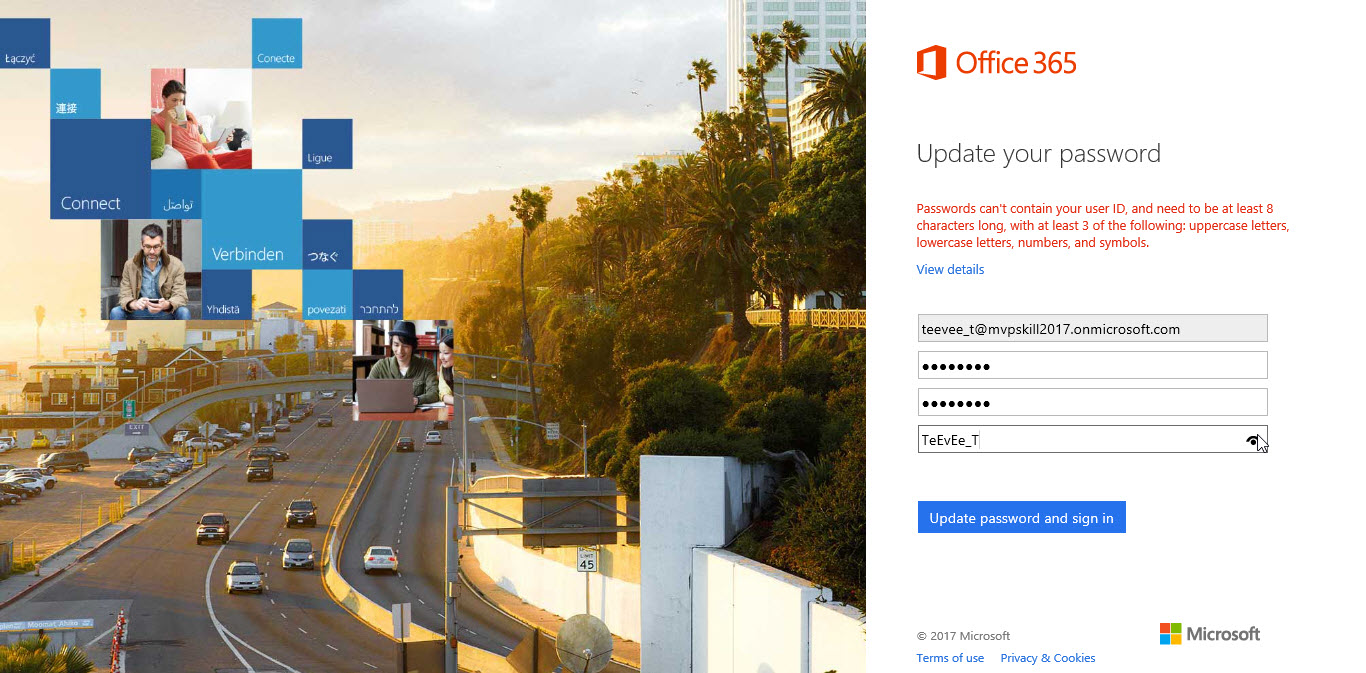
ทำไมต้อง เปลี่ยน Password และต้องมีความซับซ้อนในการป้อน Password (password must meet complex) User บอกไม่ชอบเลย...
Tools
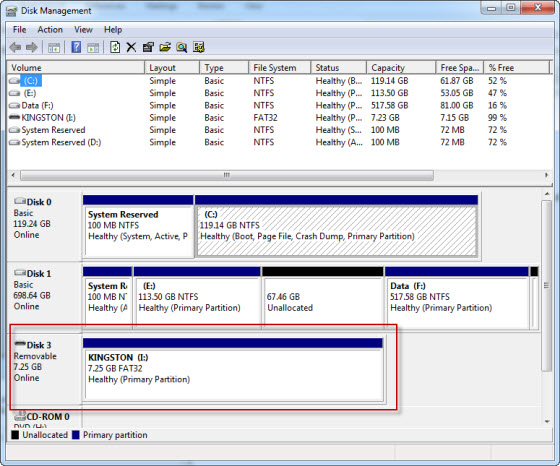
การทำ USB Bootable ด้วย DiskPart.exe
Azure
ขั้นตอนการติดตั้ง SharePoint Server 2016 Test LAB บน Microsoft Azure